Fishpowered browser for Android



Download now*
*Note: Fishpowered has been taken off Google Play Store due to inactive development but can still be downloaded from XDA. It should still be secure to use if you keep Android up to date as it uses the WebView component for the browser engine.
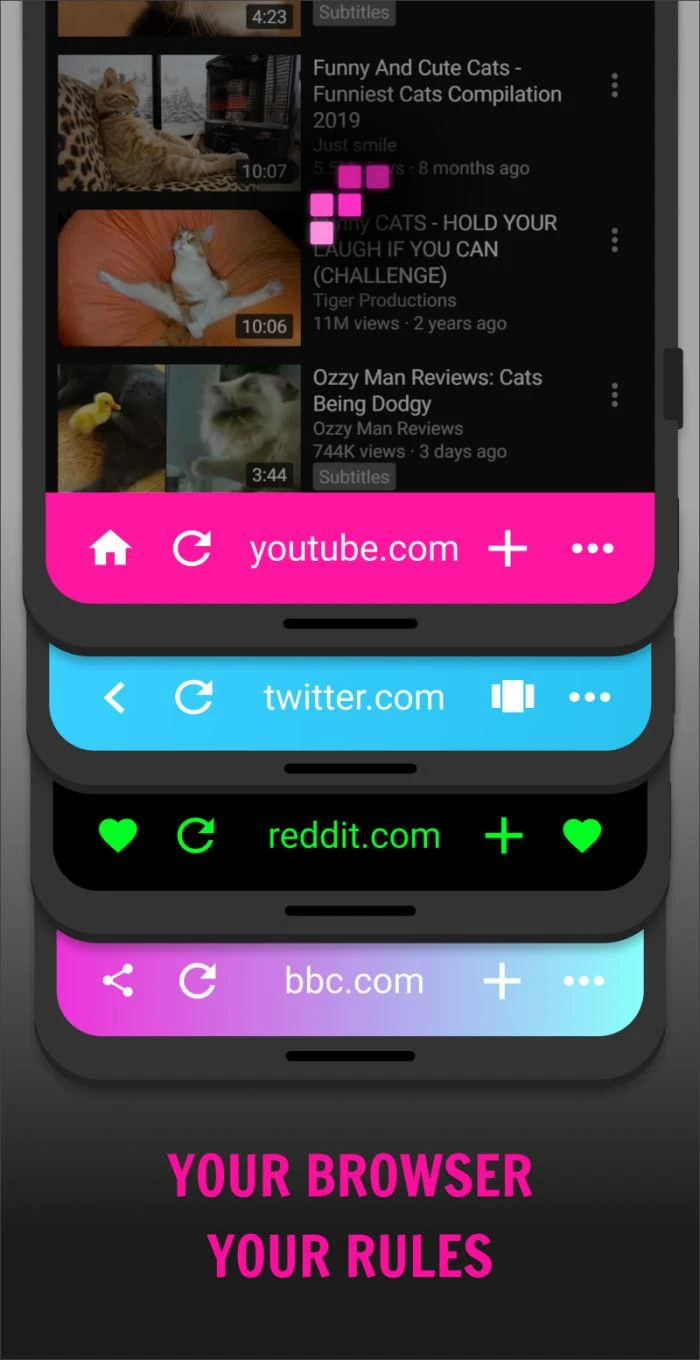
Fishpowered is a browser for people who love the web but are tired with all the ads and privacy hassle they see on modern websites, for people who love to multi-task, and for people who love to customise their software to make it their own!
Featuring ad blocker, cookie warning blocker, tracking/tracker blocker, privacy precautions, pinnable windows, gestures, themes, and more coming soon.
The best browser for saving bookmarks, favourites and content?
- Tap the fave button on any web page, video, or quote and it'll automatically be saved and categorised
- All your favourites in one place instead of being spread across different apps and logins
- Optionally tag your favourites to further categorise them
Too busy to read an article or watch a video now?
- Use the dedicated "save for later" feature to keep track of articles and videos you don't have time to read now
- Pop on some headphones, tap the listen button and listen to the article on the move.
- The screen can be locked while playing videos so you can keep listening with your phone in your pocket.
Best browser app for customisation?
- Browser themes
- Customisable browser buttons
- Customisable gestures
- Customisable home page
Best browser app for privacy?
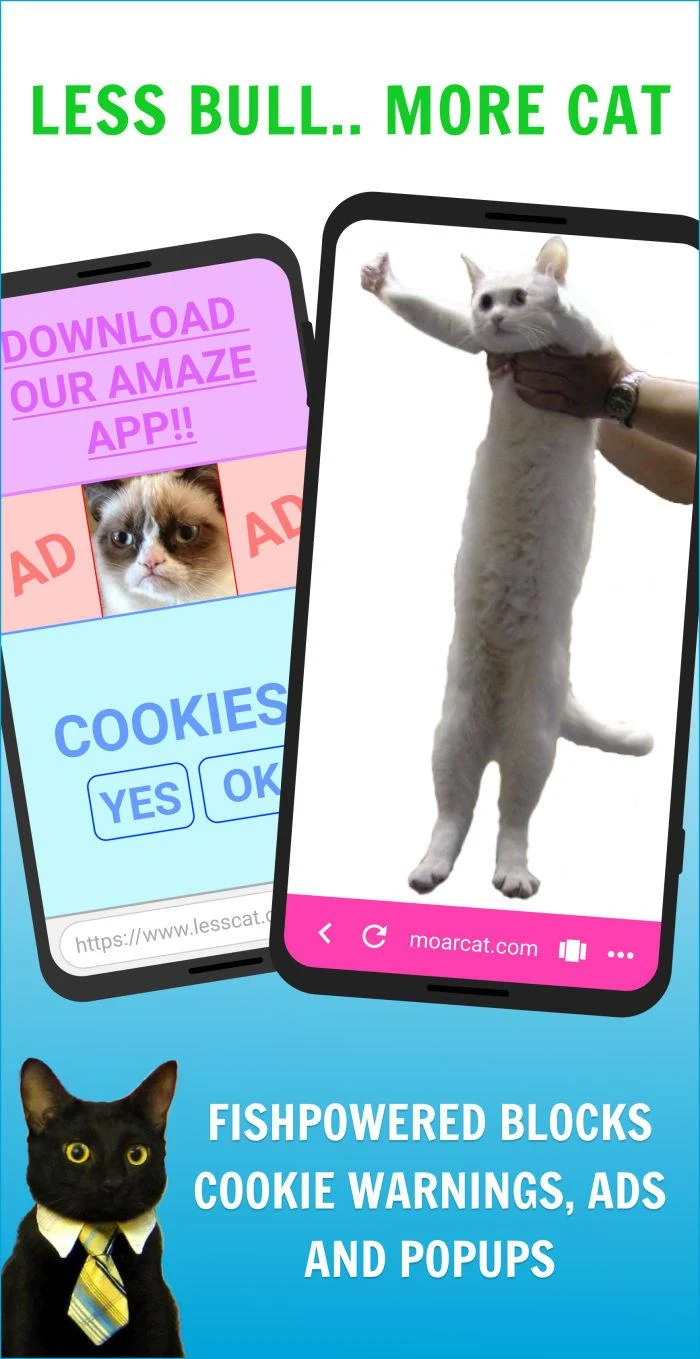
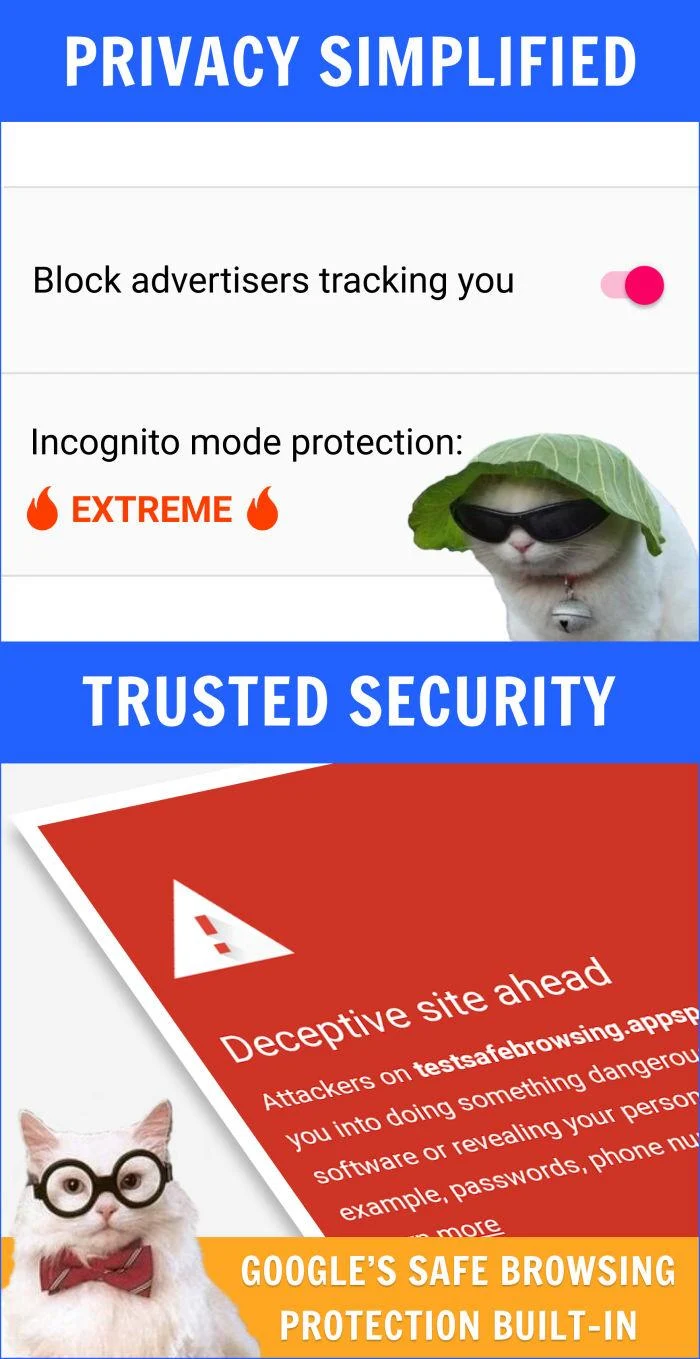
- Fishpowered blocks ads, cookies from external websites and tracking requests by default
- Enabling Incognito mode allows for 3 levels of further privacy protection from basic to extreme
- Duckduckgo available as a search engine
Open development
Give feedback to the developers, see the code, and follow along with development as new features are developed live on Twitch.
Remember when you could use a phone with one hand?
- Fishpowered browser lets you customise your UI so your most used actions are always in reach.
- Gestures allow you to perform common actions such as swiping to change and closing tabs quickly and easily.
- No more hand gymnastics as the most common UI elements are placed in the bottom and middle of the screen.
A useful night mode
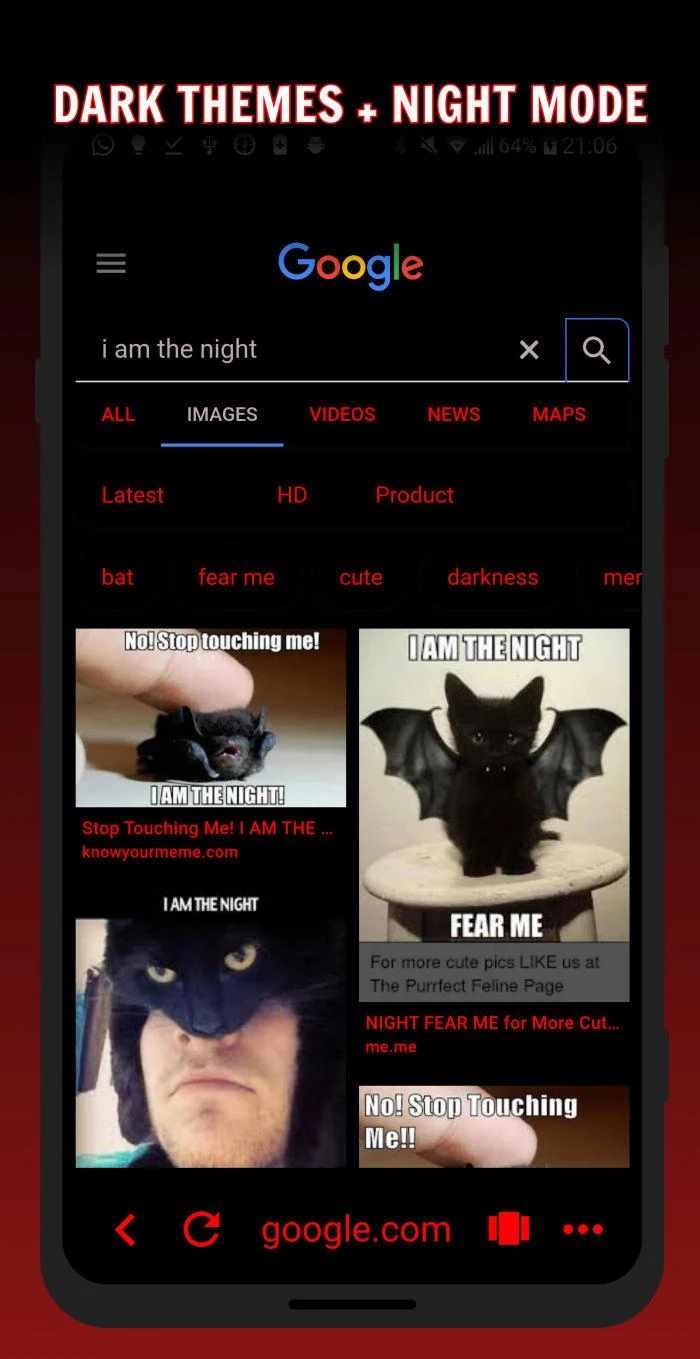
- Instead of just dimming everything we just blacken the backgrounds and lighten the text. It's up to you how much you want to dim the screen.
- Doubles as a battery saver mode as your screen will be displaying websites as if they all had dark themes.
- Even works well in daytime if you prefer to read light text on a dark background.
Fast and secure
- Built using Google Chrome's chromium engine with Google's "Safe browsing" protection built-in
- Blocking ads and trackers makes browsing the web lightning fast
More
Search terms people might be using: "Fish powered", "fish power", "fish powder", "fish powdered"